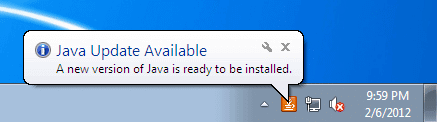
In a corporate/education environment you want to make the staffs life as easy as possible. You get a mixed of experienced users with technology and some that are barely able to turn it on. So disabling all the notifications is a great idea!
How To Disable Adobe Reader Notifications
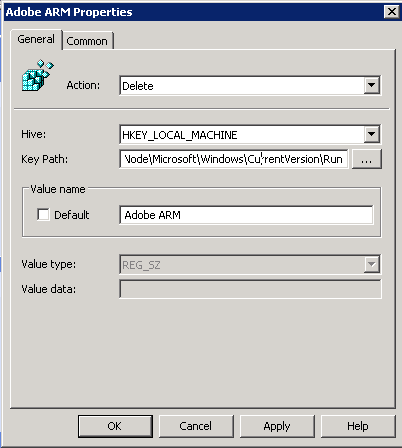
- Create a new Group Policy
- Computer Config > Preferences > Windows Settings > Registry
- Right click New > Registry Item
- Change the Action to Delete
- Hive: HKEY_LOCAL_MACHINE
- Key Path: SOFTWARE\Wow6432Node\Microsoft\Windows\CurrentVersion\Run
- Value Name: Adobe ARM
- Apply and Your Done!
How To Disable Java Update Notifications
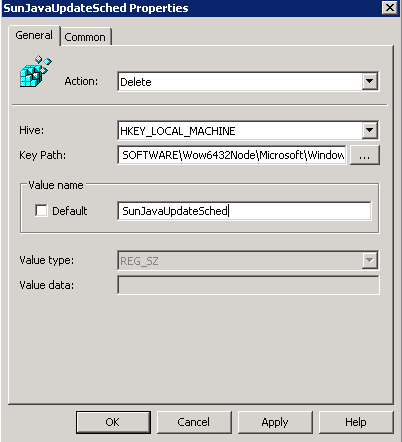
- Create a new Group Policy
- Computer Config > Preferences > Windows Settings > Registry
- Right click New > Registry Item
- Change the Action to Delete
- Hive: HKEY_LOCAL_MACHINE
- Key Path: SOFTWARE\Wow6432Node\Microsoft\Windows\CurrentVersion\Run
- Value Name: SunJavaUpdateSched
- Apply and Your Done!